Chrome extension
Try anything,
anywhere.
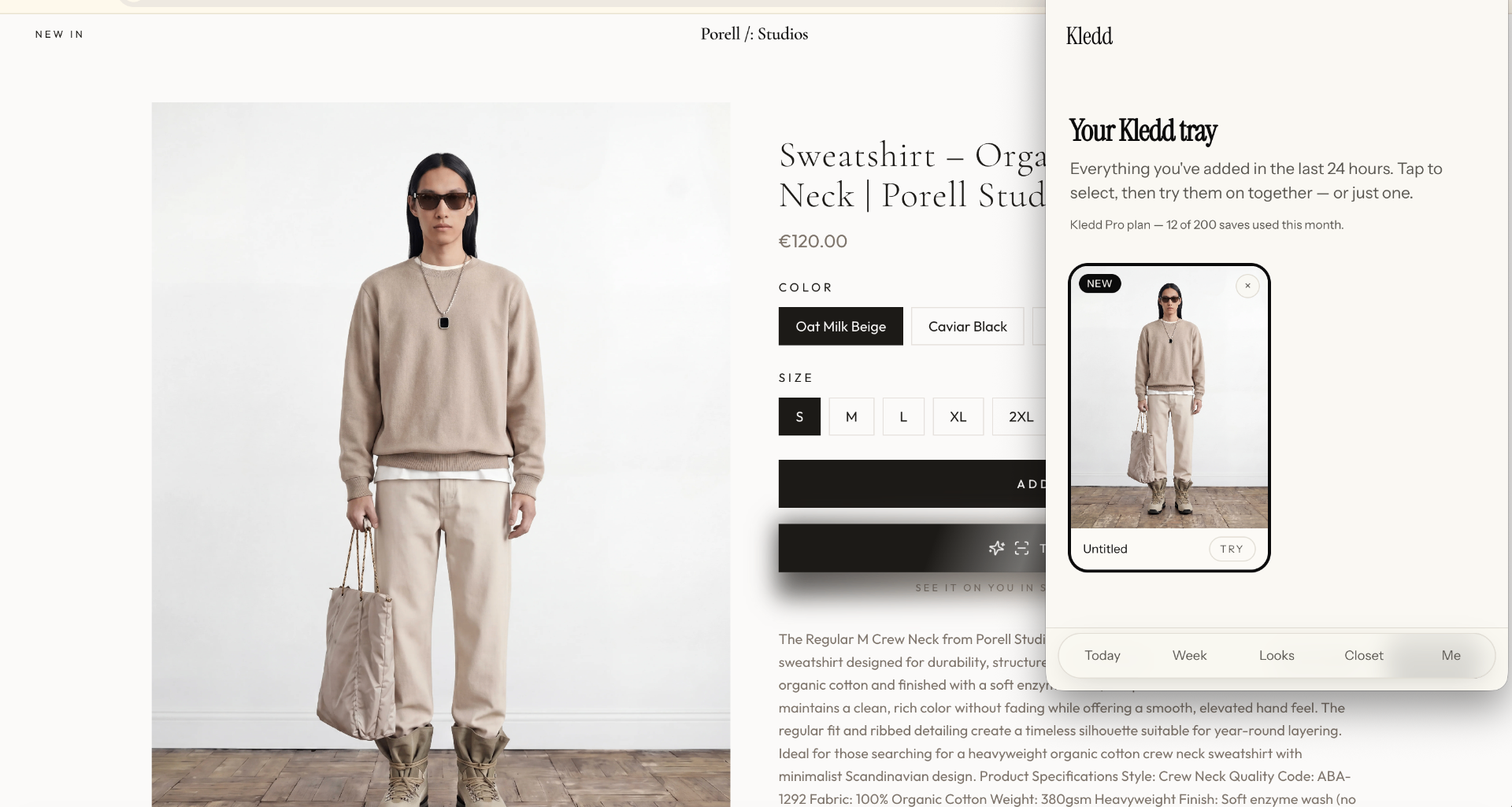
Browse Zara, COS, Net-a-Porter — any shop. One click sends the piece to your Kledd tray. Try several on yourself before anything is bought.
01
Send to tray
Right-click any product image on any shop. It lands in your tray — not your closet, not your wishlist.
02
Try several on
Stack pieces from different stores and try them on yourself, side by side, before anything is bought.
03
Push to wishlist
Keep favourites in your wishlist. Only owned pieces ever enter your closet — by your hand, never automatically.
Install
Four quiet steps.
- 1. Unzip the downloaded file.
- 2. Open
chrome://extensionsin Chrome (or Edge / Brave / Arc). - 3. Turn on Developer mode (top right).
- 4. Click Load unpacked and pick the unzipped folder.
You're responsible for complying with the terms of service of any site you browse. Kledd never scrapes in the background — actions only run when you click.